

Missing a legally binding visa expiration or SaaS contract renewal because an automation failed silently is a nightmare for ops teams. When you rely on Notion as your central operational hub, ensuring that critical dates trigger reliable alerts is paramount. Recent updates in 2026 have introduced "Automation Variables" to Notion, allowing for more context-rich native notifications (Source: Notion Updates 2026). However, the debate between using native features and external connectors like Zapier continues to frustrate IT managers and RevOps teams.
If you are evaluating notion vs zapier for alerts, you must understand the risks of both systems. This guide will explore why relying on Zapier for chronological polling often leads to broken workflows, why Notion AI can be cost-prohibitive for simple reminders, and how a deterministic approach guarantees compliance.
The Problem with Zapier for Date-Based Alerts
Zapier is incredibly powerful for moving data between disparate applications, but it is fundamentally an event-driven platform. When it comes to passive date properties in Notion, like a deadline simply approaching on a calendar, Zapier struggles to provide reliable, dynamic alerts without convoluted setups.
The Silent Failure Trap
The most common mistake teams make is relying on Zapier for mission-critical alerts without active monitoring, leading to the "Silent Failure Trap" (Source: Automation Best Practices). If a Zap fails due to a temporary API timeout or a subtle change in your Notion database, it often fails silently. You might not realize your notion alert software has stopped functioning until a critical contract auto-renews and bleeds your budget.
Schema Mutation Vulnerabilities
Zapier workflows are notoriously brittle. If a workspace admin simply renames a column in your Notion database from "Expiration Date" to "Expiry," the rigid JSON payload mapping in Zapier breaks instantly. This forces organizations into a constant cycle of maintenance, wasting valuable IT resources fixing simple notifications that should run autonomously.
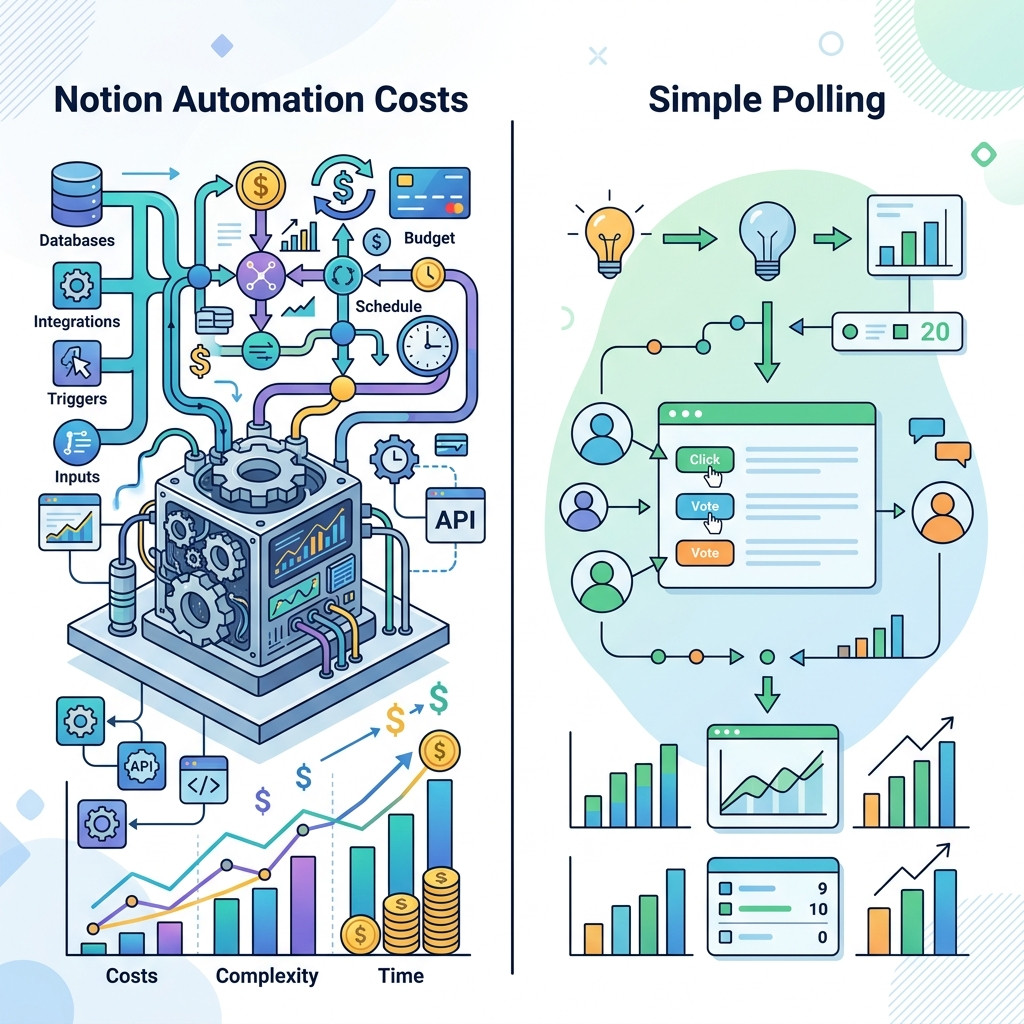
Notion Native Automations and Notion AI: The Cost Barrier
In response to Zapier's limitations, many teams try to keep everything internal. While Notion's native automations have improved, utilizing Notion AI to bridge the gap for chronological polling introduces a new set of challenges.
Expert consensus suggests that for mission-critical internal team updates, sticking to native notifications is best, using Zapier only as a "delivery layer" to break out of Notion (Source: Expert Workflow Guide). However, when you want to automate notion reminders without zapier based on dynamic time thresholds (e.g., exactly 90, 60, and 30 days before a deadline), native tools fall short. Some teams resort to using Notion AI Custom Agents to check if a Boolean date has passed. This is a massive waste of unpredictable, token-based Notion Credits for a simple polling task.
The Deterministic Alternative: Purpose-Built Chronological Polling
To secure 100% compliance and stop bleeding budget on auto-renewals, you need a system designed specifically for the passive passage of time. A deterministic, single-purpose chronological alerts engine solves the fundamental flaws of both Zapier and Notion AI.
Instead of relying on brittle Zapier integrations or spending expensive AI credits, NotionReminder polls your databases in the background and delivers flawless notifications exactly when you need them. It handles standard schema adjustments elegantly without failing silently.
Dynamic Chronological Thresholds
A deterministic engine allows you to set exact mathematical rules. You can learn how to set date reminders in notion that trigger precisely 14 days before an expiration date.
Flawless Idempotent Delivery
With an immutable internal state ledger, a purpose-built engine guarantees that an alert for a specific database record and time threshold is transmitted exactly once. This eliminates notification spam and ensures your multi-channel dispatch, whether via HTML email or Slack Block Kit messages, arrives cleanly and reliably.
FAQ
Which is better for Notion date reminders: Zapier or Notion AI?
Neither is ideal for chronological date reminders. Zapier is prone to silent failures and schema breakages, while Notion AI consumes expensive, unpredictable credits for simple polling tasks. A dedicated polling engine is the most reliable solution.
Can Zapier trigger an alert exactly 30 days before a Notion deadline?
While technically possible by setting up complex delay steps, it is highly brittle. If the original date changes during that 30-day wait period, the Zapier flow will often still trigger the alert based on the outdated information.
How do I automate Notion reminders without Zapier?
You can use Notion's native automations for simple status changes, or a dedicated deterministic alerts engine to poll passive date properties and send rich multi-channel notifications to Slack or Email automatically.
Conclusion
Time is the one variable you cannot control, but it is the one you must track. Relying on brittle Zapier workflows or unpredictable Notion AI credits for your mission-critical operational data exposes your organization to significant financial and legal risks. You need a system that handles passive time reliably and delivers guaranteed, zero-fail alerts to your team.
Secure your Notion deadlines and gain operational autonomy today. Start your free trial of NotionReminder now.
