

When comparing notion vs evernote, organizations often hit a frustrating wall: trying to force one tool to do the job of the other. The dilemma isn't just about note-taking preferences; it's about whether your team needs a simple digital filing cabinet or a robust, programmable database. The reality is that both platforms have diverged significantly over the years. According to recent expert analysis, while Evernote remains the gold standard for rapid capture, Notion has evolved into an all-in-one workspace capable of replacing multiple dedicated tools. If your team is struggling to manage complex projects and operational workflows in a note-taking app, this guide will help you understand exactly which platform matches your specific operational requirements.
1. Core Philosophy: Capture vs. Architecture
At their core, these two tools approach information management from completely different directions.
Evernote is built on a straightforward "capture and search" philosophy. It functions like a massive, highly efficient digital filing cabinet. You throw everything into it: meeting notes, PDFs, web clippings, audio files, and rely on its incredibly powerful OCR (Optical Character Recognition) search to find it later. This makes evernote vs notion an easy debate if your sole goal is personal archiving. The structure is traditional, using notebooks and tags, which means there is almost zero learning curve.
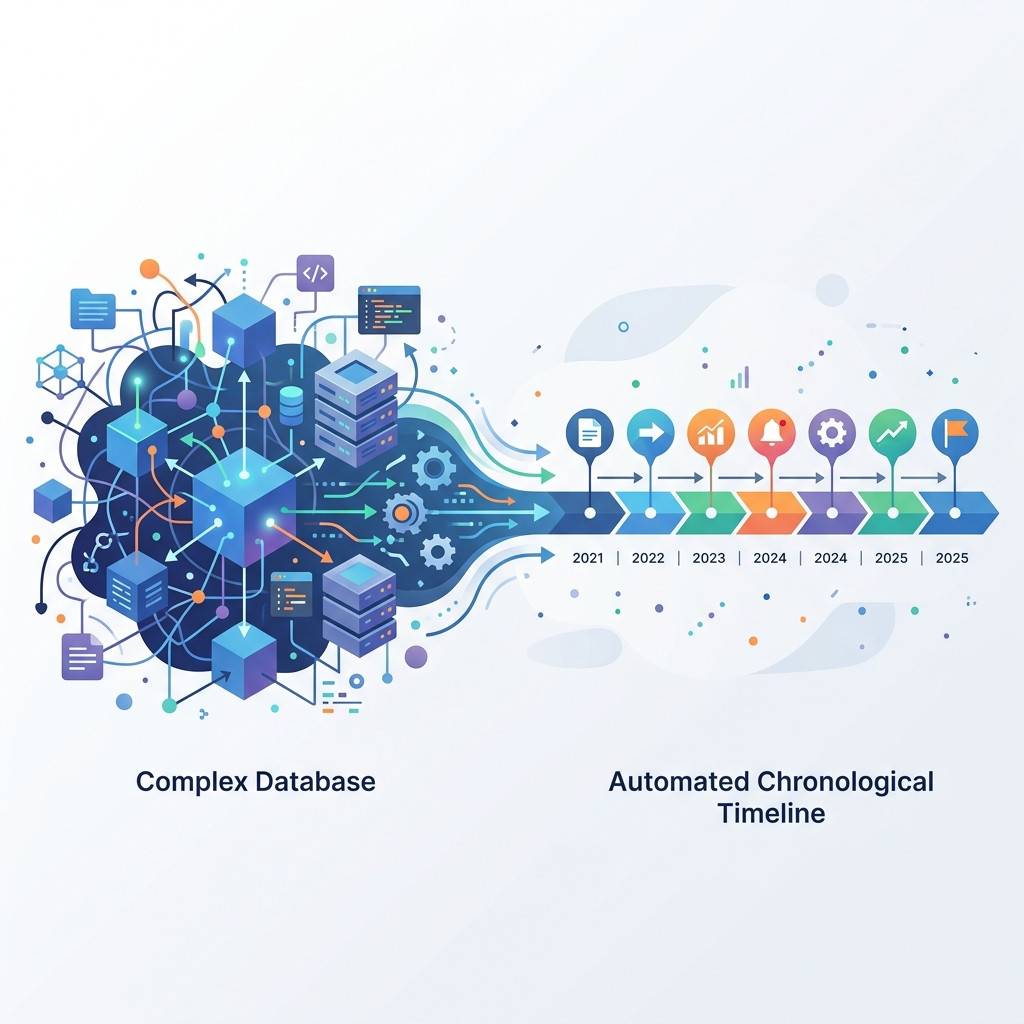
Notion, on the other hand, operates on a "block and database" architecture. Everything in Notion is a flexible block that can be moved, transformed, and nested. This allows you to build sophisticated relational databases, kanban boards, and interconnected project management dashboards. You aren't just storing notes; you are building a custom operational software layer tailored to your team's exact workflow.
2. Project Management and Databases
This is where the divergence between the platforms becomes most apparent.
Evernote is fundamentally not a project management tool. While it offers basic task management and checklist features, trying to manage a complex product roadmap or editorial calendar in Evernote will quickly lead to frustration. It lacks relational databases, multiple views (like timelines or calendars), and deep task dependencies.
Notion excels as a project management hub. Its relational databases allow you to connect a "Projects" database to a "Tasks" database and a "Team Members" database seamlessly. This is why many teams evaluating craft vs notion or other modular workspaces ultimately lean towards Notion's robust architectural capabilities. You can view the same dataset as a calendar, a list, a board, or a timeline, giving different stakeholders the exact perspective they need.
3. The Power of Automation and Alerts
While Notion provides an incredible foundation for operational data, it has a distinct limitation: it cannot trigger external alerts based purely on the passage of time. If you have a contract renewal date in a Notion database, the platform won't automatically ping you when that date approaches unless someone actively edits the page. This is a critical gap for teams managing compliance, visas, or SaaS renewals.
This is exactly why we built NotionReminder. Instead of relying on brittle Zapier flows that break when a column is renamed, or burning expensive credits comparing notion ai vs chatgpt just to check a date, NotionReminder acts as a deterministic chronological alerts engine. It securely polls your databases in the background and delivers flawless, beautifully formatted notifications to Slack or Email exactly when you need them—like 30 days before a critical contract expires.
4. Note-Taking Speed and Offline Access
For users who prioritize speed and reliability on the go, Evernote still holds significant ground. Its mobile application is generally faster for quick, on-the-fly capture. Moreover, Evernote provides robust offline access, allowing you to create and access notes reliably even without an internet connection.
Notion's block-based structure makes it slightly heavier. While it has improved its offline capabilities, it still functions best with a persistent internet connection. For rapid, unstructured brain dumps—or if you are comparing notion vs todoist purely for simple, quick-capture task lists—a dedicated, lightweight tool often feels more responsive than loading a full workspace.
5. Frequently Asked Questions
Is Notion better than Evernote?
Notion is generally better for teams needing custom databases, project management, and a unified workspace, while Evernote is better for individuals who prioritize rapid note capture, web clipping, and powerful document search.
Can Notion completely replace Evernote?
Yes, for many users, Notion can replace Evernote by handling core note-taking alongside advanced project tracking, though heavy web clippers may miss Evernote's specialized OCR search.
Which tool has a steeper learning curve?
Notion has a significantly steeper learning curve because it provides a blank canvas that requires you to build your own organizational systems, whereas Evernote is ready to use out of the box.
6. Making Your Decision
Choosing between these two platforms ultimately comes down to your operational maturity and specific needs. Do not try to use Evernote to run your company's operational databases, and do not expect Notion to be a lightning-fast, offline-first personal notepad.
If your organization is ready to build a comprehensive, interconnected workspace that acts as a single source of truth for projects, documents, and data, Notion is the clear winner. And when you need to ensure that the critical dates hidden within those Notion databases never slip through the cracks, NotionReminder guarantees those deadlines are met.
Start securing your mission-critical Notion deadlines today with a deterministic alerts engine built for professionals.
