

You just missed a legally binding SaaS contract renewal because your Notion database stayed completely silent when the deadline passed. While Notion is an incredibly powerful operational hub, it has a hidden, dangerous flaw: native Notion automations are strictly event-driven. Unless a user actively edits a page, no webhooks fire. This means your database cannot trigger external alerts based on the passive passage of time.
To solve this, many operations teams turn to the latest trend: Custom AI Agents. While Notion's recent update in May 2026 introduced powerful Custom Agents capable of multi-step autonomous workflows, these agents are billed on a strict credit system ($10 per 1,000 credits). Relying on generative AI just to check if a Boolean date has passed is an unpredictable and expensive way to manage compliance.
This guide breaks down exactly how to move past brittle workarounds and build deterministic, zero-fail Notion automations that protect your bottom line.
The Hidden Flaw in Native Notion Automations
Notion’s built-in database automations are excellent for internal workflows. If a team member changes a task status to "Review," it's trivial to trigger an internal Slack ping or re-assign the page. However, these triggers require a manual data mutation.
Why Event-Driven Triggers Fail Time-Based Needs
Operations, HR, and RevOps teams do not run on manual updates. Visas expire, SSL certificates lapse, and vendor contracts auto-renew on specific dates. An event-driven architecture means the system is blind to the calendar. A task sitting in a database with a due date of today will not trigger an action unless someone touches it.
The Cost of Complex AI Solutions
With the recent launch of the Custom Agent Directory, it's tempting to throw AI at the problem. However, industry experts caution against overcomplicating setups. Using a heavy AI model to constantly poll a database for expired dates burns through credits unnecessarily. The goal is deterministic reliability, not conversational generation.
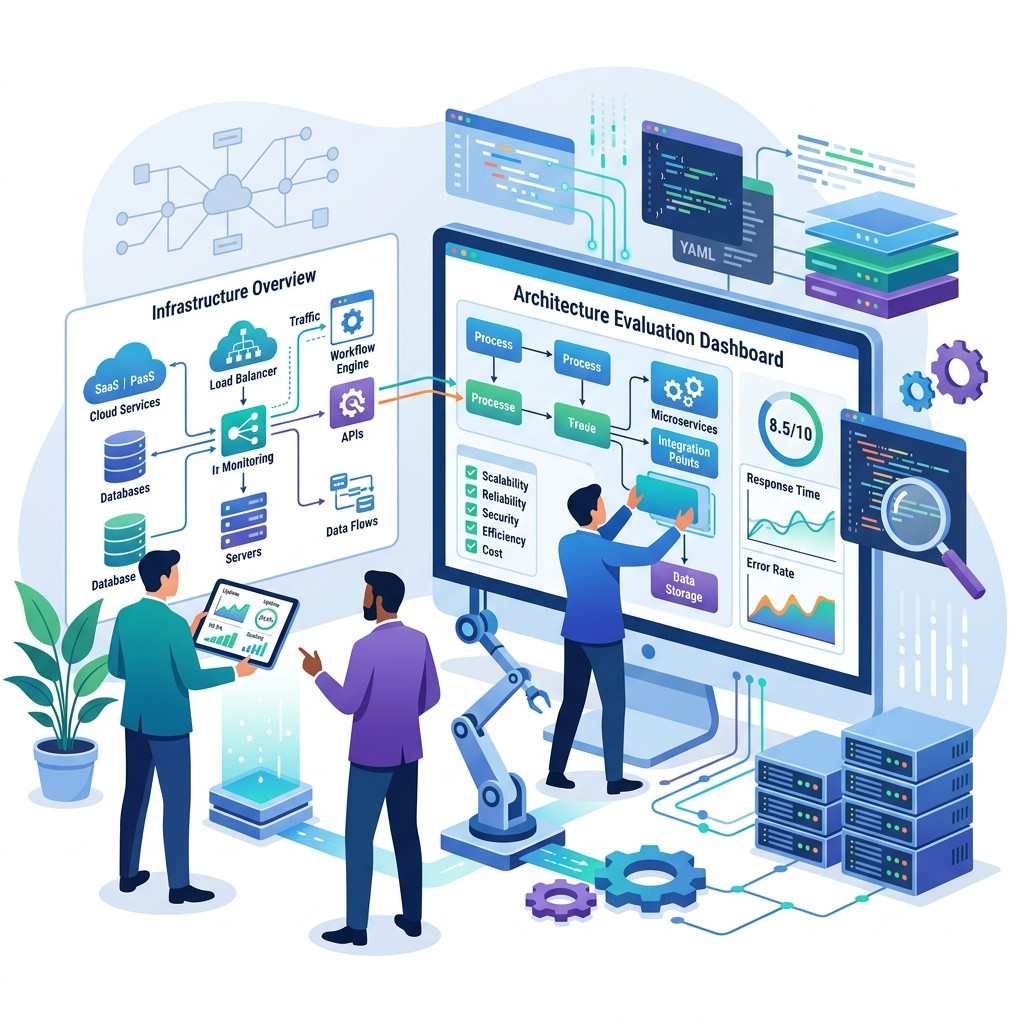
Evaluating Your Notion Automation Stack
When building a mission-critical workflow, you have to choose the right infrastructure.
Middleware: The Zapier and Make Approach
Third-party tools like Zapier or Make.com are the default choices for bridging Notion with external ecosystems like Slack or email. While powerful, they introduce significant fragility. A common mistake operations managers make is building complex Zaps that rely on strict JSON payloads. If a team member simply renames a column in your Notion database from "Due Date" to "Deadline," the entire Zapier flow breaks silently.
The Need for Graceful Schema Mutation Handling
For true operational autonomy, your automation infrastructure must be purpose-built for Notion's architecture. It needs to elegantly handle standard schema adjustments without failing. If your automation relies on exact column name string matches, it is a liability, not an asset.
How to Automate Deadline Alerts with NotionReminder
To stop bleeding budget on auto-renewals, you need a deterministic, single-purpose chronological alerts engine. NotionReminder replaces brittle integrations and expensive AI with flawless background polling.
By connecting NotionReminder via a secure OAuth integration, you establish a dedicated engine that monitors your databases strictly for time thresholds, triggering alerts exactly when needed without draining Notion AI credits.
Dynamic Chronological Thresholds
Go beyond simple "on the day" notifications. NotionReminder lets you set exact mathematical rules. You can configure the system to alert your Procurement Officer precisely 90 days before a contract renews, or ping your HR Director 14 days before a visa expires.
Multi-Channel Rich Dispatch
Stop parsing ugly JSON data from Zapier. NotionReminder dynamically translates your database properties into beautifully formatted HTML emails and Slack Block Kit messages, routing them directly to the specific @mentioned stakeholder.
Best Practices for Scaling Notion Automations
Whether you are using native tools or an external polling engine, structural hygiene in your workspace is critical.
Avoid the "Multiple Database" Trap
A frequent mistake is creating new databases for every project or month (e.g., "Q1 Contracts," "Q2 Contracts"). Because automations are tied to specific databases, this practice forces you to constantly rebuild your triggers. Instead, use a single master database and utilize filtered views. This keeps your automation logic centralized and scalable.
Start with Granular Filters
Never create an automation without a specific filter. A trigger that fires on "any edit" without constraints can accidentally overwrite data across hundreds of records in seconds. Always define granular conditions so the automation only runs on the intended subset of data.
FAQ
How do you automate date-based reminders in Notion?
To automate date-based reminders, you must use an external polling engine like NotionReminder that checks the database chronologically. Native Notion automations are event-driven and will not trigger solely based on a date arriving.
Are native Notion automations secure for HR data?
Yes, but you must configure permissions correctly. Move core databases to a dedicated backend Teamspace. Grant team members "Can Edit Content" access so they cannot accidentally delete the automation or modify the database structure.
Will Notion AI Agents handle my contract renewals?
While Custom Agents can reference context and perform multi-step workflows, they are credit-based ($10/1,000 credits). Using them for simple date polling is an expensive misuse of generative AI compared to deterministic API polling tools.
Take Control of Your Timelines
Time is the one variable you can't control, but it's the one you must track. Relying on human memory, brittle Zapier strings, or expensive AI credits leaves your organization exposed to catastrophic financial and legal risks.
Secure your mission-critical operational data today. Build an automation stack that actually respects the calendar.
