

Are you missing legally binding deadlines because your task manager failed to alert you properly? You are not alone. As of mid-2026, the choice between Google Tasks and Todoist remains a classic trade-off between seamless ecosystem integration and professional-grade task management (Source: Qualtir, 2026). While these tools are excellent for checking off grocery lists or basic daily to-dos, relying on them for mission-critical operations can be a costly mistake. If you manage an operations team or handle compliance renewals, you need more than just a simple checklist. You need a system that actively works for you. This guide compares Google Tasks and Todoist to help you decide which fits your workflow, and when it is time to upgrade to deterministic, automated deadline alerts.
The Core Philosophy: Frictionless Entry vs. Command Center
The fundamental difference between Google Tasks and Todoist lies in their core philosophies. Google Tasks is designed for zero-friction entry, heavily leaning on its native integration with the Google Workspace ecosystem. If your primary goal is to maintain simplicity without adding new tools to your stack, Google Tasks is the ideal choice (Source: The Digital Project Manager, 2026). It lives right in your Gmail and Calendar sidebar, allowing you to drag and drop emails directly into tasks.
On the other hand, Todoist acts as a robust command center for power users. When your responsibilities involve complex projects or team collaboration, a simple list is no longer sufficient. Todoist offers advanced organization features like priority levels (P1-P4), custom filters, and Kanban board views. It is built to handle complex workflows and multiple ongoing projects simultaneously. If you find yourself frustrated by a lack of filtering or sharing capabilities in Google Tasks, Todoist provides the necessary structure. However, this structure comes with a moderate learning curve compared to Google Tasks' near-zero onboarding time.
For many users, the choice between todoist vs google tasks boils down to the complexity of their daily work. If you need natural language processing to quickly set up recurring tasks, Todoist excels. Conversely, if you prefer a frictionless, integrated experience for simple reminders, Google Tasks is unmatched.
Pricing Breakdown: Is Free Really Free?
When comparing these two tools, pricing is often the first consideration. Google Tasks is completely free with your Google account. There are no hidden costs, no premium tiers, and no prompts to upgrade. For budget-conscious users or those with minimal task management needs, this makes Google Tasks highly appealing.
However, choosing a tool simply because it is free can be a costly operational mistake. While Google Tasks is genuinely free, it lacks advanced organization features. If your workload is complex, you may end up spending more time managing a disorganized list than you would have spent paying for a premium subscription. Todoist operates on a freemium model, with Pro and Business plans necessary to unlock its full potential.
In late 2025, Todoist underwent price adjustments, widening the cost gap between it and Google Tasks (Source: 2Sync, 2026). Despite this, Todoist remains the preferred choice for those needing robust features. The true cost of a tool is measured in the time it saves or costs you. If the lack of labels and filters in Google Tasks causes you to miss important tasks or waste time searching for information, Todoist's subscription fee is a worthwhile investment.
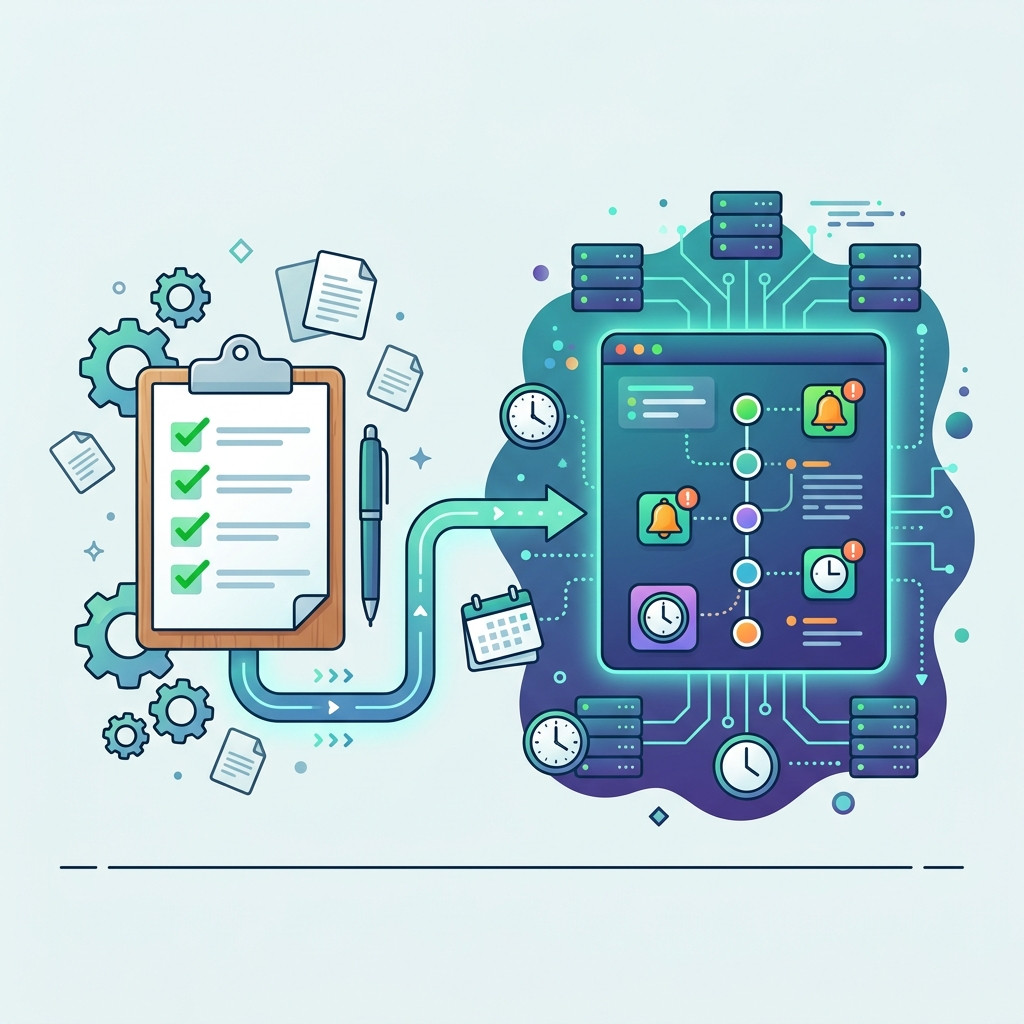
When Task Managers Aren't Enough for Deadlines
Task managers like Google Tasks and Todoist are built for human interaction. They require a person to actively check the app, review the list, and manually tick off completed items. This model works perfectly for daily chores or personal projects. But what happens when you are managing legally binding visas, SSL certificates, or six-figure SaaS contracts?
Critical operational dates require more than just a checkbox. They demand proactive, guaranteed notifications. A common mistake is expecting a simple list tool to handle complex project management or enterprise-level compliance tracking. When the stakes are high, relying on a human to remember to check a to-do list is an unacceptable operational risk. You need a system that triggers alerts based purely on the passive passage of time, regardless of whether a user logs in.
This is where deterministic chronological infrastructure becomes essential. NotionReminder replaces brittle integrations and expensive AI with a deterministic, single-purpose chronological alerts engine. It polls your Notion databases in the background and delivers flawless, beautifully formatted notifications to Slack or Email exactly when you need them. It guarantees that you are proactively alerted 90, 60, or 30 days before a critical deadline, entirely removing human memory from the equation.
Ecosystem Integrations and Extensibility
The final crucial comparison point is how well each tool connects with the rest of your software stack. Google Tasks is deeply entrenched within the Google Workspace. You can drag tasks directly into Google Calendar as time blocks, bridging a long-standing gap for users who want to schedule their to-dos without leaving the calendar interface (Source: ToolGuide, 2026). This native integration is seamless, but it is also a walled garden. Google Tasks offers very limited native integration outside of the Google ecosystem.
Todoist, conversely, is built to play well with others. It offers a massive directory of third-party integrations, connecting with everything from Slack and Microsoft Teams to dedicated time-tracking software. It has a more consistent and feature-rich experience across desktop, mobile, wearables, and browser extensions (Source: Todoist, 2026).
If your company operates entirely within Google Workspace, Google Tasks provides a frictionless experience. But if you rely on a diverse stack of productivity tools, Todoist's open ecosystem ensures your task manager remains a central, connected hub rather than an isolated list.
Can Google Tasks replace Todoist?
Google Tasks cannot fully replace Todoist for complex workflows. While excellent for simple lists and Google Workspace integration, it lacks the advanced filtering, team collaboration, and natural language input that make Todoist essential for power users managing multi-stage projects.
Does Todoist integrate with Google Calendar?
Yes, Todoist offers a robust two-way sync with Google Calendar. This allows you to view and manage your Todoist tasks directly alongside your calendar events, providing a comprehensive overview of your daily schedule.
Are there automated alerts in these tools?
Both tools offer basic time-based reminders, but they are not designed for automated, multi-channel dispatch. For deterministic, guaranteed alerts routed directly to Slack or specific team members based on database thresholds, a dedicated chronological engine is required.
Time is the one variable you cannot control, but it is the one you must track. Whether you stick with Google Tasks for its simplicity or upgrade to Todoist for its power, eventually your operations will outgrow manual checking.
If you manage operations in Notion, secure your mission-critical deadlines today. Try the NotionReminder Hobby Tier completely free.
